
%2001%201.png)

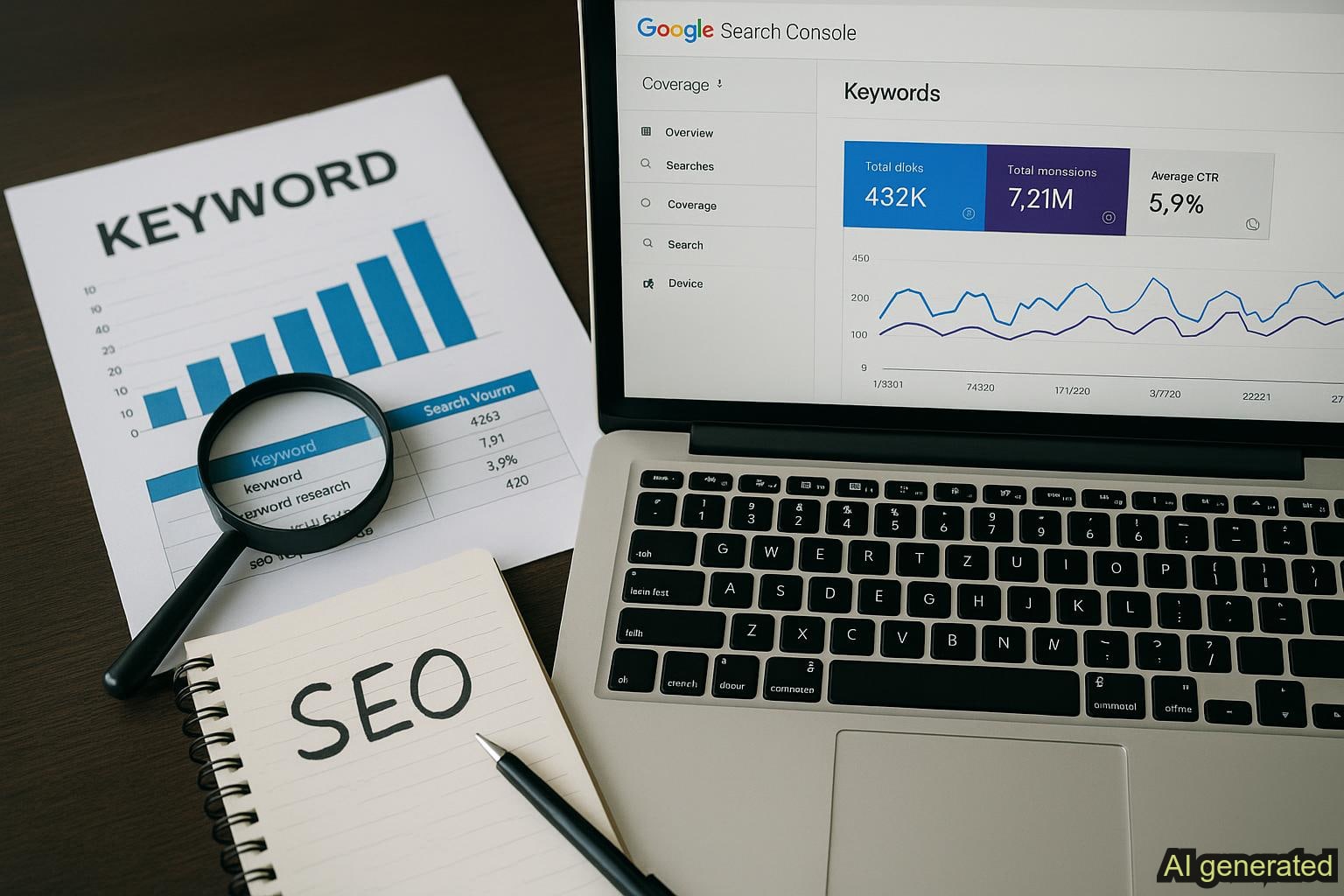
Google Search Console Keyword Discovery: A Step-by-Step Guide for Solo Founders
SEO can be a hassle, especially if you're a solo founder automating your marketing but stuck asking 'Where should I begin?' You know Google Search Console exists. You've read posts about keyword discovery. You understand you can pull it off on your own. But what exactly should you do with it?
Google Search Console sits in your Google account right now, packed with real search data showing exactly which keywords bring traffic to your site. Yet most founders never tap into this goldmine because the gap between raw data and actionable strategy feels overwhelming. This guide closes that gap.
You'll learn a practical 5-step workflow to extract keyword insights from Google Search Console, identify high-impact opportunities, and build a content roadmap you can actually execute. No guessing. No spreadsheet hell. Just clear steps from data to action.
What Is Google Search Console and Why Solo Founders Need It
Google Search Console is your direct line to real keyword performance data. It shows search queries bringing visitors to your site, along with impressions (how often your page appears in results), clicks (how many people visited), and ranking positions. Unlike keyword research tools that estimate traffic, Google Console shows actual performance on your own domain.
For solo founders, this distinction matters. Console answers what paid tools guess at: which keywords your actual audience searches for that relate to your business. It's free. It's already connected to your site data. And it's the foundation of any data-driven content strategy. Without it, you're optimizing blindly. With it, you have a clear map of keyword opportunities.
Console reveals which pages rank at what positions and why visitors click or skip your results in search. This data is irreplaceable for identifying which content performs and where gaps exist in your keyword coverage. You'll see which keywords drive clicks today, which ones have potential but don't convert yet, and which searches you're completely missing.
Setting Up Google Search Console for Keyword Discovery
Getting started takes about 10 minutes if you haven't verified your site yet. Head to search.google.com/search-console, sign in with the Google account connected to your website, and add your property. Google offers two verification methods: uploading an HTML file to your server or adding a DNS record through your domain registrar.
If you use WordPress, Shopify, or Webflow, verification is faster through your existing account or a meta tag. Once verified, head directly to the Performance report. This is where all your keyword and query data lives. Set your date range to the past 3 months or longer so you can spot patterns, since keyword trends need time to reveal themselves.
Let Console collect data for several days before diving deep into analysis. You want enough historical data to identify real patterns rather than daily noise. After a week of collection, you're ready to move through the 5-step workflow.
The 5-Step Workflow to Extract Actionable Keywords from Console Data
Most founders log into Console, see a keyword list, and freeze. The gap between raw data and actionable strategy is where opportunities disappear. This workflow moves you from observation to execution by connecting data discovery to content decisions.
Step 1: Monitor Your Top-Performing Queries
Start in the Performance report and sort by Clicks from highest to lowest. These are your current winners, the keywords your site already ranks for and converts into traffic. Document your top 10 to 20 keywords with their average ranking positions. Most winners sit in positions 1 to 5.
Why this matters: These keywords prove your site has authority in specific areas. They establish your baseline for understanding what's working. You'll use this baseline to identify quick wins before expanding to new keywords.
Step 2: Identify High-Impression, Low-Click Opportunities
Next, sort the Performance report by Impressions from highest to lowest. You'll spot keywords with high impressions but low click-through rates. These typically rank in positions 4 to 8, where searchers see your result but don't click it. This is where quick wins hide.
A keyword with 500 impressions but only 10 clicks shows a 2 percent CTR. Improving your title tag or meta description could double or triple clicks without improving your ranking position. Some high-impression queries benefit from clearer answers or better formatting that boosts clicks immediately.
Why this matters: These represent your fastest path to growth. You're already visible. You just need to convince searchers to click.
Step 3: Spot Keyword Gaps and Content Opportunities
Look at keywords generating clicks and ask: what similar searches might people make that we don't rank for yet? If you rank for 'how to use Slack,' related searches include 'Slack tutorial for beginners' or 'Slack productivity tips.' These represent content gaps where new pages could capture additional traffic.
Filter Console data by Pages to identify which pages attract the most organic traffic and what keyword variations they rank for. If one page gets traffic from 15 different keyword variations, that page is a traffic magnet and signals strong content fit for expansion.
Why this matters: Content gaps represent untapped revenue hiding in your potential customers' search history. Closing them expands your reach without requiring disproportionate effort.
Step 4: Prioritize Keywords by Business Intent
Not all keywords deliver equal value. Sort your opportunity list into three buckets: Informational keywords focus on how-to guides and explanations. Commercial keywords address product comparisons and reviews. Transactional keywords show purchase intent and sign-ups. Which type drives revenue for your business?
A SaaS founder might prioritize commercial keywords like 'project management software for startups' over informational ones, since commercial searchers are closer to buying. An educational creator might reverse this priority. Align keyword opportunities with your actual business goals, not high-volume searches that don't convert.
Create a simple spreadsheet tracking: Keyword, Current Clicks, Current Position, Intent Type, Content Gap, Priority (High/Medium/Low). This becomes your decision framework for what content to create first.
Step 5: Build Content Strategy from Console Insights
This is where execution happens. Take your prioritized keyword list and reverse-engineer your content calendar. For High priority keywords, ask: what content would rank here and convert? Is it a new article, a deeper version of existing content, or a complete restructure of your current page?
If Console shows you rank position 7 for 'email marketing automation' with 200 monthly clicks, you have options: improve the existing page to rank higher, or create complementary content addressing related keyword gaps. Your prioritization spreadsheet tells you which option aligns with your business goals and available time.
This step separates founders who grow from those who collect data. Console shows what keywords exist. It doesn't tell you which to target first or how to structure a content roadmap. That requires deliberate prioritization and a clear content calendar built from your Console insights.
Common Mistakes Solo Founders Make with Google Search Console
Understanding the keyword discovery workflow is one thing. Avoiding pitfalls that derail most founders is another. Watch for these common errors when analyzing Google Console data.
- Setting up Console and never reviewing it: Data is worthless without regular analysis. Schedule monthly 15-minute Performance report reviews to track keyword trends.
- Misinterpreting CTR drops: Falling clicks don't always mean rankings dropped. Google may have changed your snippet display or a competitor claimed visual real estate. Check your average position first.
- Chasing high-volume keywords without business fit: That keyword with 10,000 searches sounds tempting until you realize it misaligns with your business model. Relevance beats volume every time.
- Ignoring query variations: Console groups similar searches, but hidden patterns exist within the data. If you rank for 'project management tool,' dig into variations like 'project management software for teams.'
- Not distinguishing organic growth from ranking improvements: Clicks increase when you optimize pages, but also when search volume grows. Understanding the difference prevents doubling down on wrong strategies.
- Forgetting Console data lags: Google Search Console takes 24 to 48 hours to update. Avoid obsessive refreshing looking for immediate changes.
Connecting Console Data to Your Content Roadmap
Here's what Console doesn't tell you: which keyword opportunities deserve priority or how to organize them into a sustainable content calendar. Console reveals data. It doesn't reveal strategy. It shows keywords you rank for but not which deserve focus or how to batch your writing across priorities.
Console tells you that you rank position 6 for a keyword with 300 monthly clicks. It won't tell you whether improving that page beats creating three new pieces of content. It won't organize a content calendar, connect keyword opportunities to your product roadmap, or automate the process of turning raw data into executable content tasks.
For solo founders, that gap is significant. You could spend hours extracting keyword opportunities from Console, then more hours building an actual content strategy. That's time you probably don't have.
Automation tools bridge this gap by taking your Console data and transforming it into a prioritized content roadmap with keyword clustering, business intent classification, and content recommendations. Instead of manually extracting opportunities and building spreadsheets, you get actionable strategy in minutes.
Think of Google Search Console as your data source and automation as your strategic translator. Console tells you what keywords exist. Automation tells you which ones matter for your business and what content to create first. RankRealizer brings these together to turn Console insights into executable content workflows.
Conclusion: From Data to Sustainable SEO Growth
You now have a clear, actionable process for extracting keyword insights from Google Search Console. Monitor your top performers, identify quick-win optimization opportunities, spot content gaps, prioritize by business intent, and build a content strategy serving your actual goals. This five-step workflow forms the foundation of data-driven SEO for solo founders automating their marketing.
But here's the reality: Console is your starting point, not your destination. It provides raw material. What you do with that material determines whether you grow at 3 percent annually or 30 percent. Founders pulling ahead turn Console insights into consistent, prioritized content action.
Ready to automate your keyword strategy and stop leaving opportunities on the table? Start free with RankRealizer to turn your Google Search Console data into a content roadmap you can execute on. Or dive deeper with our Knowledge Base for advanced Console configuration and integration steps.
Frequently Asked Questions
How long does it take to see results from Google Search Console keyword optimization?
For quick wins like title and meta description improvements, expect CTR changes within 1 to 2 weeks. For ranking improvements on new or significantly revised content, allow 4 to 12 weeks depending on keyword difficulty and domain authority. Monitor Console monthly to track your keyword performance progress.
Can I use Google Search Console data without other SEO tools?
Yes. Console alone powers keyword discovery for terms you already rank for. You won't have competitor analysis or estimated search volume, but for solo founders focused on claiming existing keyword opportunities and filling content gaps, Google Search Console provides sufficient data to drive significant organic growth.
What's the difference between impressions and clicks in Console?
Impressions show how many times your page appeared in search results for a keyword. Clicks show how many times someone visited your page from those results. High impressions with low clicks signal ranking position issues or poor title and meta description copy needing optimization.
Should I focus on position 1 rankings or expand to new keywords?
Start with positions 4 to 8 where you already have visibility. These typically convert with minor on-page improvements and represent faster wins than chasing position 1. Once optimized, expand to new content targeting keywords with higher business intent and lower competition.
How often should I review my Google Search Console data?
Review monthly for consistency. Weekly checks create unnecessary stress and lead to overreacting to normal fluctuations. Monthly reviews provide enough data to spot real keyword trends and make informed content decisions without burning out on constant monitoring.


.png)










