
%2001%201.png)

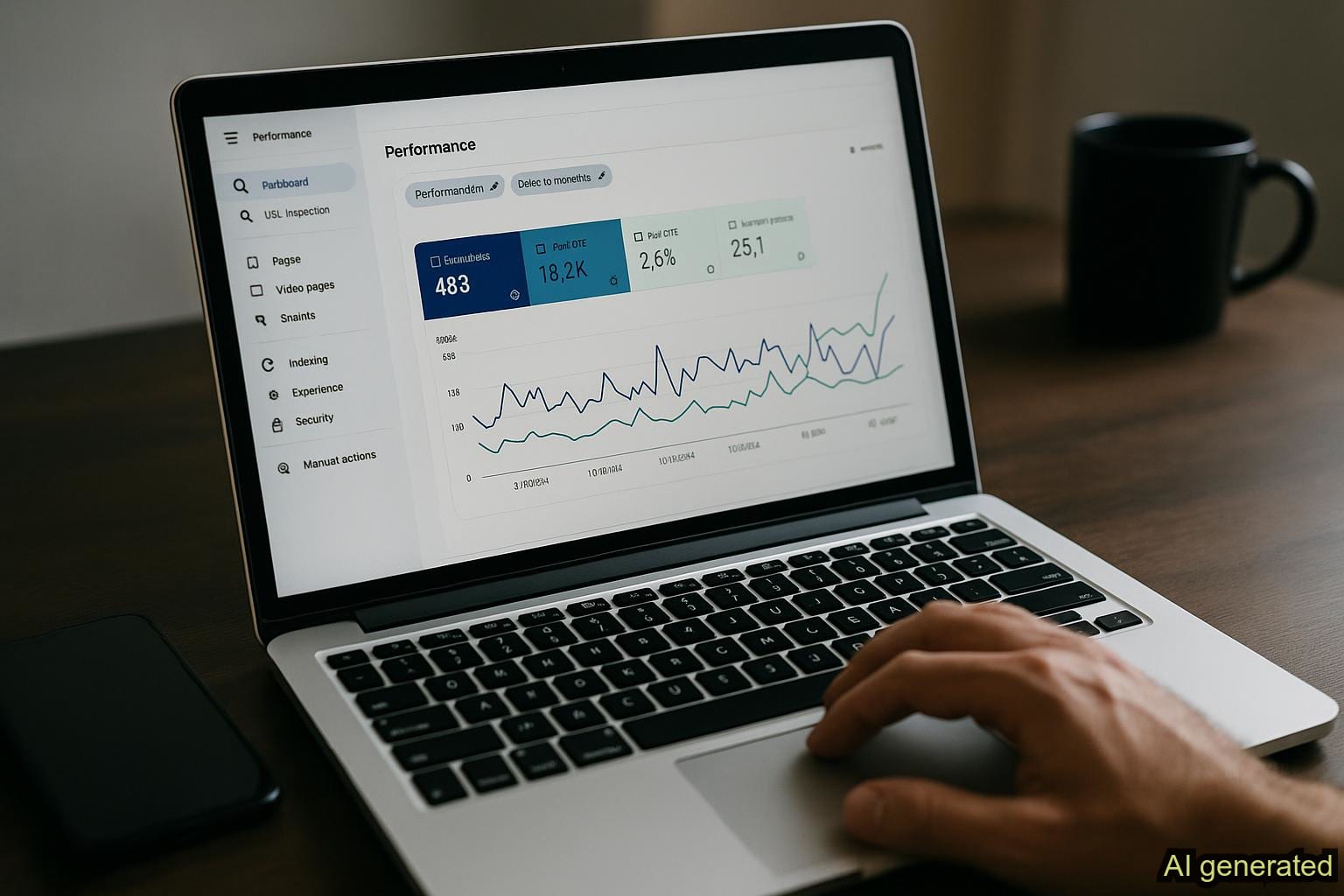
Google Search Console Tutorial for Solo Founders: From Setup to Content Strategy
You know Google Search Console matters for SEO. You've researched it, watched tutorials, and understand it's supposed to help you rank better and drive organic traffic. But when you actually open GSC, you're faced with dashboards, metrics, and performance data that blur together into one frustrating question: what do I actually do with this? This Google Search Console tutorial answers that exact question by showing you how to set up GSC, interpret your performance metrics, and translate those insights into real content decisions that drive traffic.
As a solo founder, your time is precious. You don't need another monitoring tool that tells you what's wrong without showing you how to fix it. You need GSC to work as a decision-making engine for your content strategy, pointing you toward your next move instead of overwhelming you with noise and complexity.
This practical guide cuts through the complexity and shows you exactly how to set up Google Search Console, understand your key performance metrics, and use those insights to build a content roadmap that actually works. No unnecessary jargon, no features you don't need, just the actionable steps that fit your solo founder workflow.
Ready to turn GSC data into your competitive advantage? Download our free GSC Audit Checklist to track your progress through this guide and establish your monthly monitoring routine.-
Getting Started: Initial Setup and Account Connection
The first barrier most solo founders face is connecting Google Search Console to their website. The setup process is straightforward once you know the exact steps. We'll walk through creating your GSC account, verifying website ownership through the method that works best for your technical skill level, and linking it to Google Analytics for unified reporting and complete search performance visibility.
Creating Your Google Search Console Account
Visit search.google.com/search-console and sign in with your Google account. If you don't have one yet, create it using your business email. This login becomes your gateway to all of Google's search data about your website's visibility and performance in search results.
Once logged in, you'll see an option to add a property. A property is GSC's term for your website. Click the plus icon next to Search Console in the left menu, then select URL prefix and enter your website's domain (for example, www.yoursite.com). This becomes your entry point for all the search performance data and metrics you'll analyze.
Verifying Your Website Property
Google needs to confirm you own the website before sharing its search data. GSC offers several verification methods. Here are the most practical options for solo founders:
- HTML file upload: Download a verification file from GSC and upload it to your website's root folder. This works even without access to DNS settings.
- DNS record: Add a DNS record through your domain registrar (GoDaddy, Namecheap, etc.). This is faster if you're comfortable with domain settings.
- Google Analytics: If you already use Google Analytics, GSC can verify ownership through that connection. This is often the quickest option.
For most solo founders, the Google Analytics verification method is your fastest option if you're already tracking traffic. If not, the HTML file method takes just a few minutes. Choose whichever matches your comfort level, click Verify, and GSC will confirm ownership within seconds to minutes.
Connecting GSC to Google Analytics
Link GSC to Google Analytics to see the complete picture of your organic search traffic and user behavior. In GSC, go to Settings (bottom left), then select your Google Analytics property. Choose your Analytics account and confirm the connection. This integration matters because Analytics shows you what visitors do after clicking from search results, while GSC shows the search behavior and keywords that led them there.
With GSC and Analytics connected, you'll see not just how many people clicked from search results, but how long they stayed, whether they scrolled through your content, which internal pages they visited, and whether they took desired actions. This complete picture tells you whether a page needs better content depth or simply better visibility in search results.
Understanding Your Performance Metrics and Click-Through Data
GSC's Performance report is where your search data lives. At first glance, columns of numbers can feel overwhelming. Let's break down what each metric actually tells you and why it matters for your content strategy decisions.
Impressions, Clicks, and CTR Explained
Impressions count how many times your content appears in Google search results. When someone searches for a topic and your article shows up in the results, that's one impression, whether they click it or not. Impressions represent search visibility.
Clicks are the actual organic traffic you generate from search. Using the same scenario: your article appears, and someone actually clicks the link to visit your site. That's one click and one visitor from search. Clicks represent real engagement and website traffic.
Click-through rate (CTR) is the percentage of impressions that convert into clicks. If your article gets 100 impressions but only 5 clicks, your CTR is 5%. This metric reveals whether your title tag and meta description are compelling enough to make searchers choose your result over a competitor's.
Here's a practical example: You have an article about SEO for solo founders that generates 500 impressions per month but only 15 clicks (3% CTR). This is an optimization opportunity. You're getting search visibility, but your title or meta description isn't convincing searchers to click. Fixing CTR requires no new content creation, just better copywriting on your existing page, making it a quick win most solo founders overlook.
Average Position and What It Means for Visibility
Average position shows your ranking in Google search results for a given keyword. Position 1 means you're the top result. Position 5 means you're in the top five. Position 15 means you're on page two, where most searchers never look. Your average position directly impacts how much search traffic you receive.
The difference between ranking 1st and 3rd represents a dramatic drop in click-through rates. The difference between 5th and 15th is the difference between on-page-one visibility and being buried where searchers rarely venture. Most searchers don't go past page one, so position drastically affects your traffic potential.
This benchmark table explains why solo founders often see high impressions but low clicks in GSC. If you're ranking 11-20 on most pages, even substantial impression volume won't convert to meaningful traffic. Improving your average position to page one is almost always more impactful than trying to drive additional impressions.
Identifying Your Top-Performing Content
In the Performance report, click the Pages tab to see which of your pages are actually winning in search results and driving traffic. Sort by Clicks (descending) to see your biggest traffic drivers. Sort by Impressions to identify pages getting search visibility but not converting clicks. This analysis reveals your content strengths and market demand signals.
Your top five to ten pages are your bread and butter for organic traffic, and they're also valuable clues about what your audience actually searches for and cares about. These high-performing pages often become the foundation for your next content strategy roadmap because they've already proven real market demand exists for those topics.
Translating GSC Insights Into Content Decisions
This is where Google Search Console stops being just a monitoring tool and becomes your content strategy engine. Reading metrics is one thing. Knowing what specific actions to take based on those metrics is where most solo founders get stuck. In this section, we'll walk through three specific scenarios and the exact decisions they should trigger for your roadmap.
Finding Content Gaps: High Impressions, Low Clicks
You find a page with 800 impressions but only 12 clicks (1.5% CTR). This page ranks somewhere on page one or early page two, but your title and meta description aren't compelling enough to earn clicks relative to what's possible. This is a fixable problem that requires no new content creation, just better copywriting.
Your action: Rewrite the title tag and meta description to be more compelling and benefit-focused. If the current title is 'SEO Tips for Business Owners,' try something like '7 SEO Hacks Solo Founders Use to Outrank Competitors.' Make it specific, action-oriented, and benefit-driven. Wait two weeks and check GSC again for improvements. A 1-2% improvement in CTR from a title rewrite is common and directly increases traffic without requiring ranking changes.
Optimizing Underperforming Keywords Within Existing Content
Switch to the Queries tab in your Performance report and sort by Position. Look for keywords where you rank 11-15. You're close to page one visibility but not quite there. These keywords represent golden opportunities because you're already ranking and just need slight improvement to reach the top ten.
Find the page that ranks for that keyword, then expand or optimize the content around that specific topic. Add more depth, include recent data or case studies, or create a comparison that wasn't there before. Moving from 12th to 8th to 4th position can triple or quadruple your clicks for that keyword with just one focused content improvement.
Building Your Content Roadmap From GSC Data
Look at your Queries report and find search terms with high impressions where you don't rank yet or rank below position 20. These are keywords people are actively searching for, but your website isn't capturing that traffic. This data tells you what content to create next.
If you see a search query generating 500 impressions monthly with no ranking from your site, that's a clear demand signal. Searchers want information on this topic. You should prioritize creating comprehensive content around that keyword. GSC is showing you there's real search demand; your job is to create content that satisfies it better than what currently ranks.
Here's the decision framework solo founders should use for converting GSC insights into actions:
- Review your Performance report: Identify pages with high impressions but low clicks, pages with near-miss rankings, and content gaps in high-demand keywords.
- Determine the specific gap: Is this a visibility problem (low average position), a copy problem (low click-through rate), or a content depth problem (good ranking but high bounce rate)?
- Choose your action: Optimize existing content quickly (immediate quick wins) or create new content addressing high-demand keywords (longer-term investment).
- Execute and measure: Make the change, wait 2-4 weeks for GSC data to update, then check your Performance report again to measure impact on clicks and impressions.
This decision workflow removes the analysis paralysis that stops many solo founders from acting on their GSC data. GSC shows you the problem; this framework shows you the specific action to take.
Common Mistakes Solo Founders Make With Google Search Console
Knowing what to do with Google Search Console is one thing. Knowing what not to do saves you from months of wasted optimization effort. Here are the most common mistakes solo founders make when analyzing and acting on GSC data.
Obsessing Over Ranking Position Without Considering CTR
You see you rank 3rd for an important keyword and assume traffic should be strong. But GSC shows only 2% click-through rate. The problem isn't your ranking; it's that your title and meta description aren't compelling enough to earn clicks even from a top-three position. Chasing a rank 1 position when your rank 3 page has poor CTR wastes your optimization effort.
Always look at click-through rate alongside your average position. A page at position 5 with 15% CTR generates more actual traffic than a page at position 2 with 3% CTR. Fix low-hanging CTR optimization first before chasing rank improvements.
Ignoring Impressions and Only Focusing on Clicks
Some solo founders obsess over pages with the most clicks and ignore pages with high impressions but few clicks. A page with 500 impressions and 10 clicks (2% CTR) has more immediate traffic potential than a page with 50 impressions and 3 clicks, yet goes unnoticed.
Prioritize high-impression, low-CTR pages for optimization first. These pages need title and meta description rewrites, not new content creation. You're leveraging existing search visibility and converting it to clicks.
Not Setting Up Regular Monitoring Habits
GSC is only useful if you check it regularly and act on insights. Many solo founders set up the account, browse it once, and forget about it for months. By then, they've missed countless optimization opportunities.
Create a sustainable monitoring habit: Spend 30 minutes on the first Monday of each month reviewing your Performance report, noting three to five optimization changes to make, and executing them. Filter by page type or content category to stay organized. This consistent monthly rhythm transforms GSC data into actual SEO progress and traffic growth.
Putting It All Together
Google Search Console becomes powerful when you apply this three-step mental model: Set up and connect (get your search data flowing), interpret metrics (understand what your numbers mean), and make decisions (turn insights into specific actions).
For solo founders with limited time and resources, this framework saves you from tool overload and analysis paralysis. You don't need to master every GSC feature. You need to know which reports matter (Performance and Queries tabs), which metrics drive decisions (impressions, clicks, CTR, average position), and how to convert those metrics into your next three content moves.
Start this week: Set up Google Search Console if you haven't already, verify your website property, and check your Performance report. Identify your top three pages by clicks and your top three pages by impressions with low CTR. Apply the decision framework: rewrite titles for low-CTR pages, improve content depth for near-miss rankings, and create new content for high-demand keywords you're not yet ranking for.
Ready to scale beyond GSC basics? Explore RankRealizer for deeper keyword discovery, competitive analysis, and content strategy alignment to multiply your GSC insights and growth. Let GSC show you what's working; let RankRealizer show you where your next major growth opportunities hide.-
Google Search Console becomes genuinely powerful when you stop treating it as just another reporting dashboard and start treating it as a decision engine for your content strategy. Every number in that tool tells you something important about what your audience is searching for and how your content performs in results. Your job as a solo founder is to translate those metrics into action, and now you have the roadmap to do exactly that.
Frequently Asked Questions
How long does it take to see data in Google Search Console after verification?
GSC typically displays search data within 24-48 hours of successful property verification. If your site is brand new with no existing search visibility, you may see zero impressions and clicks for several weeks until Google crawls, indexes, and starts showing your pages in results. This delayed data is normal and expected.
What's the difference between Google Search Console and Google Analytics?
GSC shows search behavior before someone lands on your site (impressions, clicks, rankings, keywords). Google Analytics shows user behavior after arrival (pages viewed, time spent, conversions, bounce rate). Both tools are essential for different parts of your strategy. GSC answers 'Who's searching for me and what keywords?' Analytics answers 'What do they do when they arrive?'
How often should I check my Google Search Console data?
Monthly monitoring works best for solo founders balancing multiple responsibilities. GSC data refreshes daily, but checking daily often leads to overreacting to small fluctuations. Set aside 30 minutes on the same day each month to review your Performance and Queries reports, identify three to five optimization opportunities, and plan your actionable content moves.
Can I use Google Search Console to improve my ranking directly?
GSC doesn't directly change your search ranking, but the insights it provides guide you toward changes that do improve rankings. Better titles improve click-through rate. Content optimization increases relevance. Identifying near-miss keywords tells you where to focus effort. GSC is the compass showing you the direction; your content optimization work carries you toward ranking improvements.
Should I focus on getting more impressions or more clicks?
Start with extracting more clicks from your existing impressions. If you have 500 impressions and 10 clicks, improving your click-through rate to 3-5% through better titles and meta descriptions adds 5-15 clicks without requiring new ranking improvements. Only after optimizing CTR on current pages should you pursue ranking improvements to increase impressions. This prioritization is the fastest path to search traffic growth.




.png)










